Calcish 1.10 released: asset preview, duplicate codebook, and other improvements.
We have released Calcish 1.10!
New features
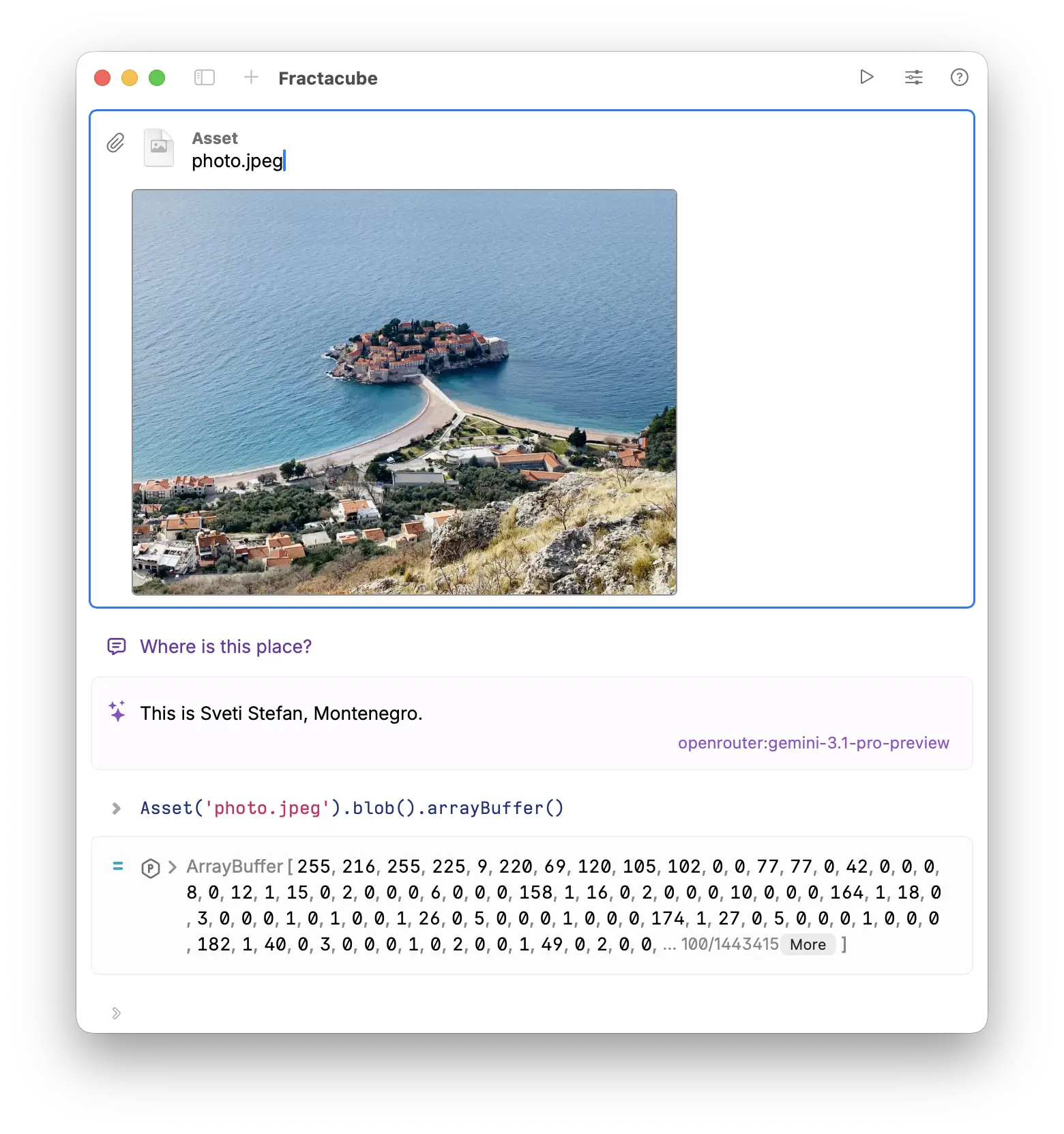
Image Asset preview
Asset cells with image files now show a preview of the image in the cell.
Duplicate codebook
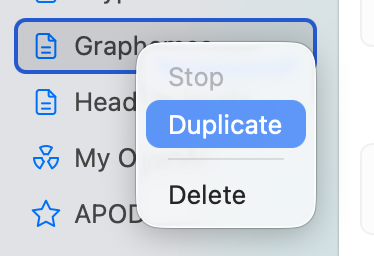
You can now duplicate a codebook by right-clicking on it in the sidebar and selecting “Duplicate” or by clicking Edit → Duplicate Codebook. This creates a copy of the codebook with all its cells and content, allowing you to easily make variations or backups of your codebooks.
Other improvements and bug fixes
- Kimi K2.5 now uses the Nitro variant in the OpenRouter API, which makes it much faster.
- Fixed setting incorrect cell type for newly created cells in some cases.
- Fixed image asset token counting. Previously, Calcish overcounted tokens for image assets, which could push them out of the context window.
Download Calcish from Mac App Store.