We have released Calcish 1.14 with macOS 27 Golden Gate user interface support.
It also updates a DeepSeek Flash endpoint to the latest version, and adds Gemini 3.7 Flash.
Download Calcish from Mac App Store.
We have released Calcish 1.14 with macOS 27 Golden Gate user interface support.
It also updates a DeepSeek Flash endpoint to the latest version, and adds Gemini 3.7 Flash.
Download Calcish from Mac App Store.
15 Sep 2026
We have released Calcish 1.13 with the following changes:
Previously, the top-level log2 function returned an inexact big float result for integers perfectly representable as a power of two. For example, log2(2**128) returned 127.99999999999999999999999999999999,
even though it should have returned 128. We fixed that.
Download Calcish from Mac App Store.
11 Aug 2026
We have published the Calcish documentation online at docs.calcish.com. This is the same documentation that is included in the Calcish app.
It includes thousands of pages of JavaScript help, describing the functions, methods, and features, including the ones that are available in the standard ECMAScript and the ones that are specific to Calcish.
Calcish documentation is a work of love. It was partially derived from TypeScript documentation, but we wanted to make it as easy to use as the legendary Turbo Pascal and Delphi documentation. The main differentiation from the awesome MDN is that our docs are not too wordy and have short examples even for the basic functions. It also has the minimal old school design.
You don’t have to use Calcish to use it: if you need a quick and basic JavaScript reference you’re in the right place. At the top right corner of the page, you can see whether the function or property is available in the standard ECMAScript or only in Calcish.
PS The initial online version doesn’t have search, which works nicely in Calcish, but powered by SQLite’s trigram search engine, so we couldn’t include it easily. We’ll work on that later.
27 Apr 2026
We have released Calcish 1.11 with updated language models:
Download Calcish from Mac App Store.
25 Apr 2026
We have released Calcish 1.10!
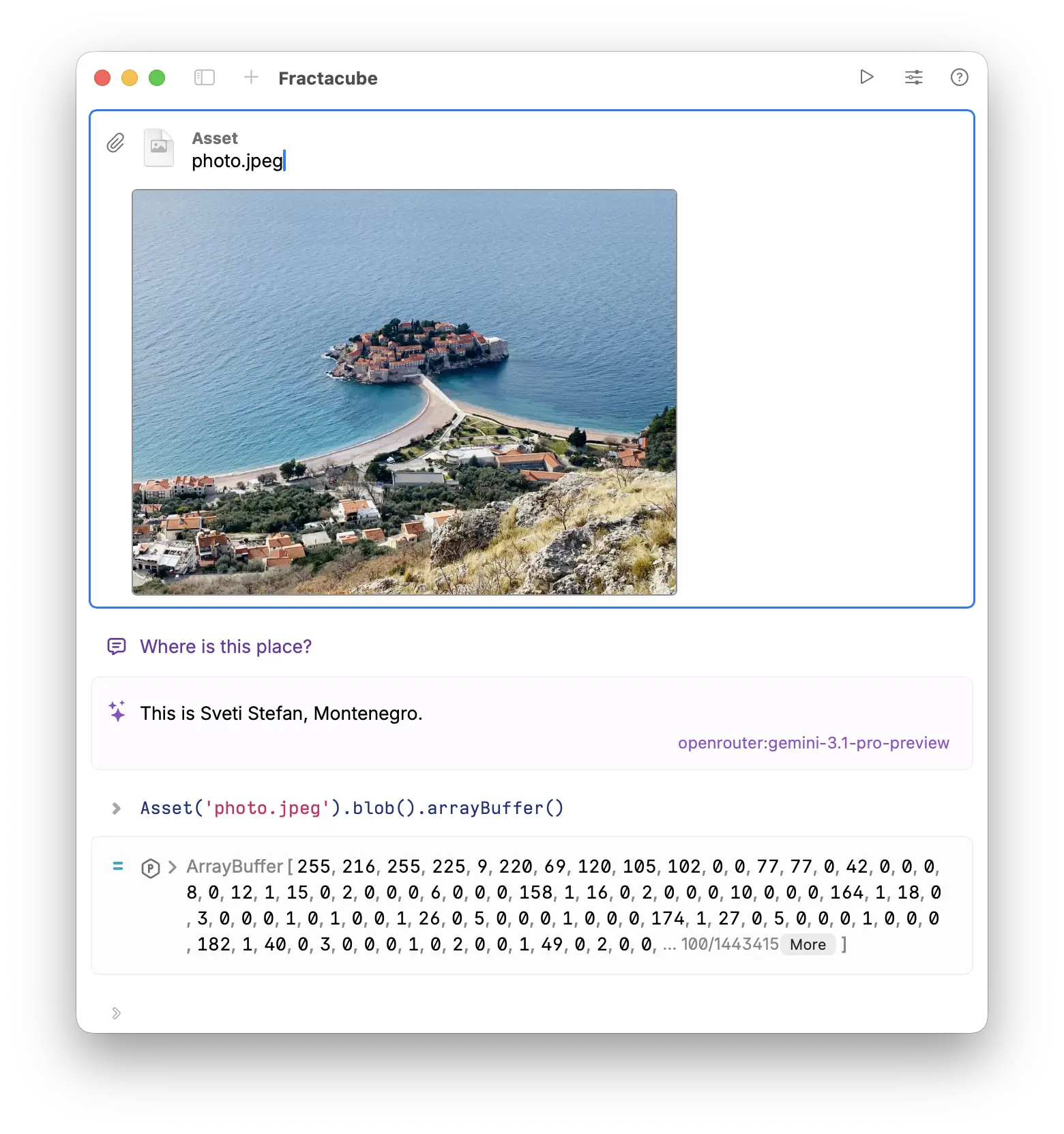
Asset cells with image files now show a preview of the image in the cell.
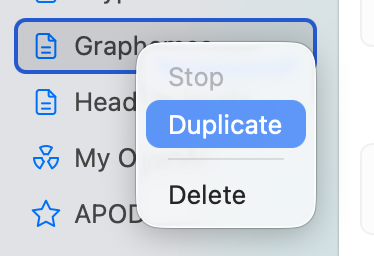
You can now duplicate a codebook by right-clicking on it in the sidebar and selecting “Duplicate” or by clicking Edit → Duplicate Codebook. This creates a copy of the codebook with all its cells and content, allowing you to easily make variations or backups of your codebooks.
Download Calcish from Mac App Store.
30 Mar 2026
We have released Calcish 1.9!
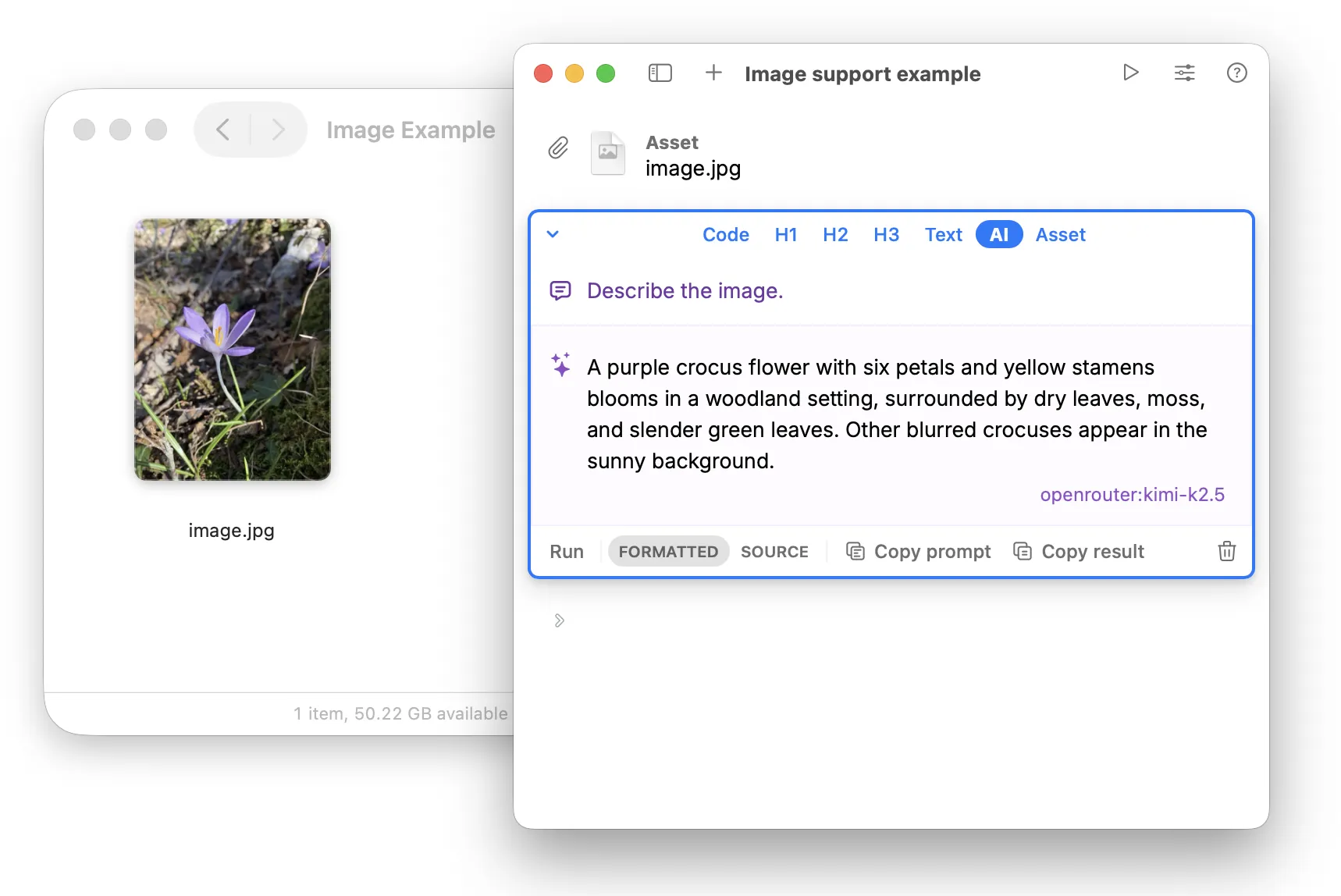
Asset cells with images are now used as part of the AI context with models that support images. This allows you to include images in your prompts and have the AI model understand and respond to them.
Added:
Removed old deprecated versions of models.
Download Calcish from Mac App Store.
18 Mar 2026
We have released Calcish 1.8!
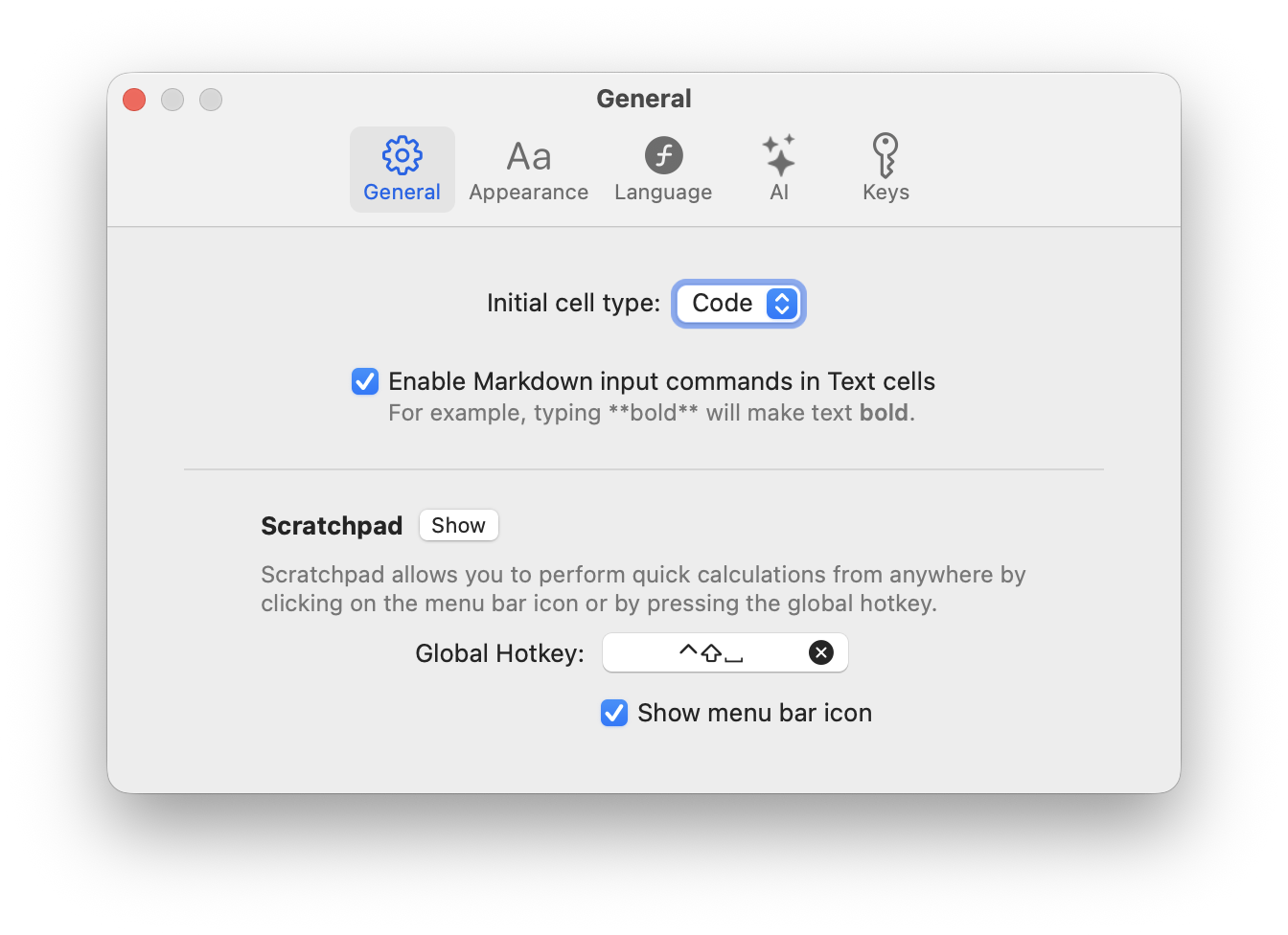
When you created a new codebook or cleared the scratchpad, the first cell was always a code cell. Now you can change this behavior in settings and choose whether the first cell should be a code cell, an AI cell, or a text cell.
Some functions were not documented, as they were experimental and we didn’t want to commit to their names. Now the following functions and classes are documented:
createBitmapCreates a Bitmap object from pixel data or a generator function. This function was previously called bitmap, but it has been renamed to createBitmap for clarity and to avoid confusion with the Bitmap class.
Example: createBitmap((i, x, y) => [x * 10, y * 10, 128, 255], 32, 32) creates a 32x32 bitmap with a gradient pattern.
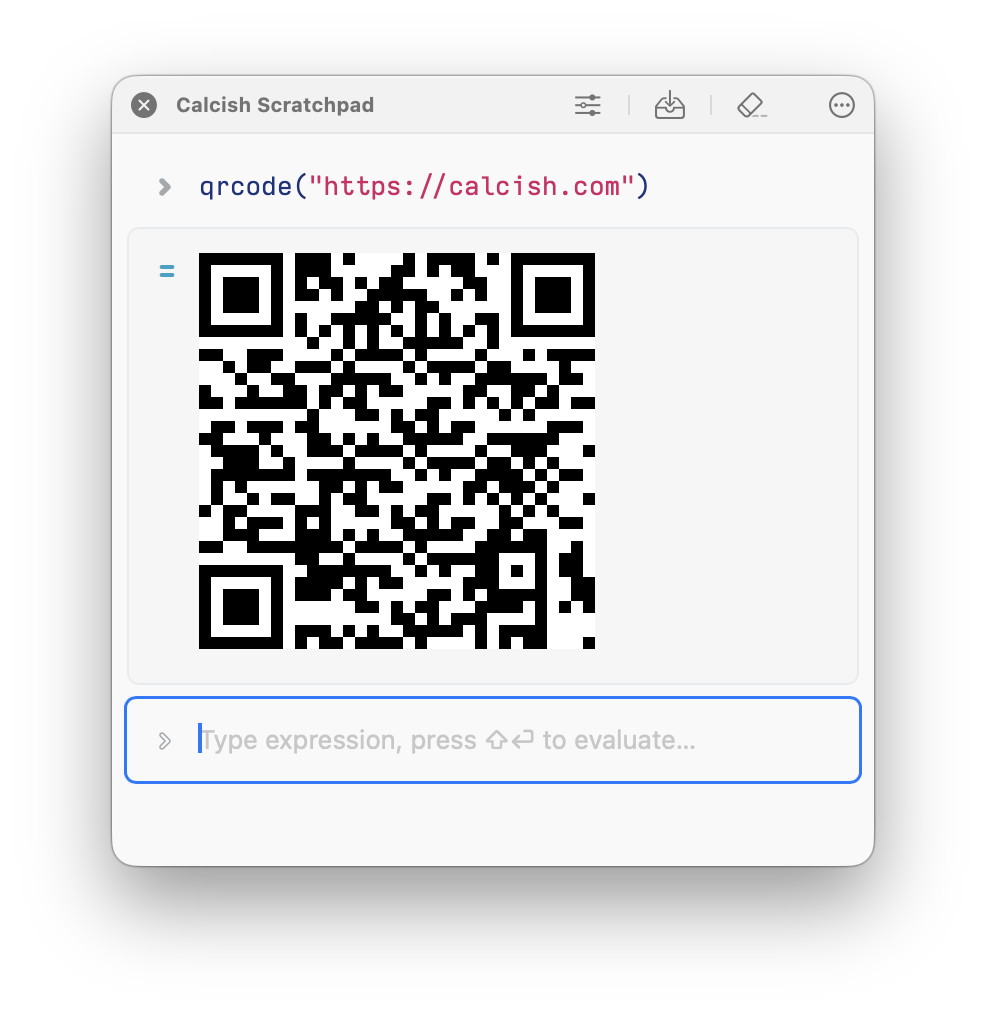
qrcode functionGenerates a QR code as a Bitmap object from the given text.
Example:
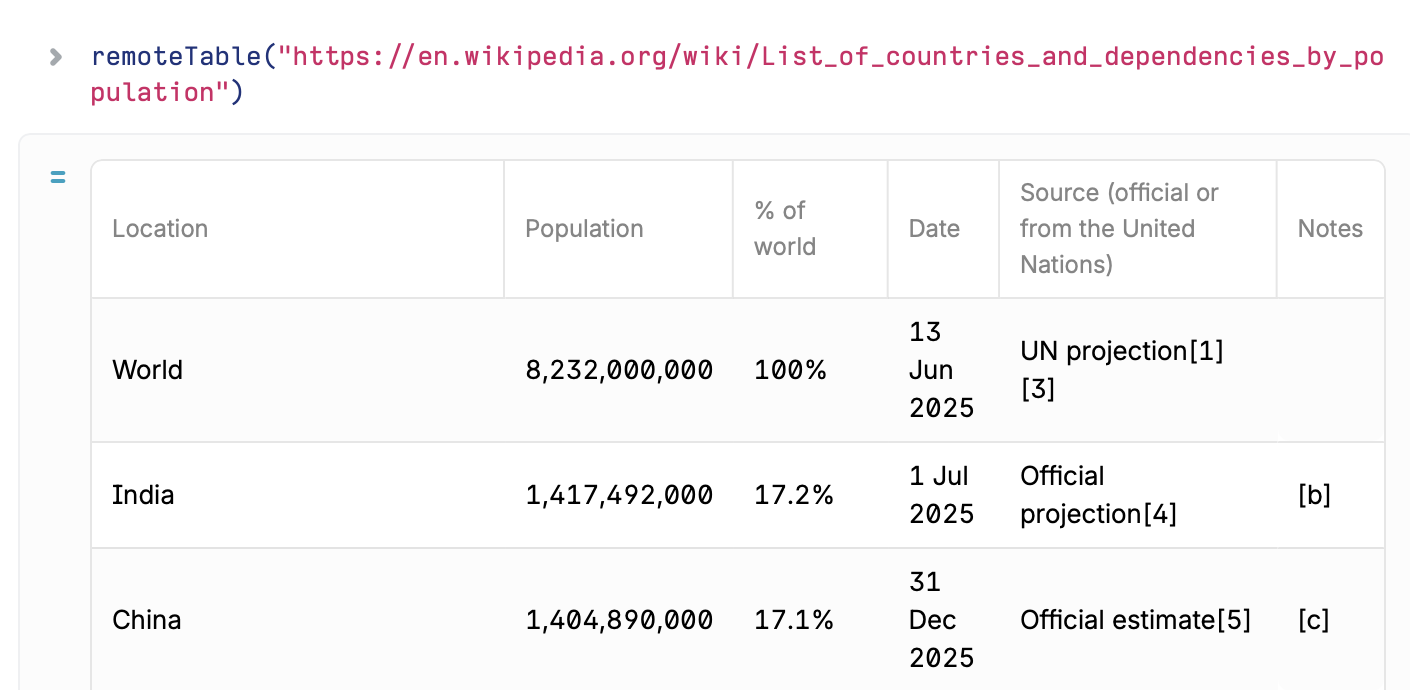
remoteTable functionReturns the first Table found on the specified web page.
It fetches the given URL, parses is as HTML, and creates a Table for the first <table> tag found on the page.
Example:
There’s also remoteTables function to fetch all tables from a single URL as an array of Table objects.
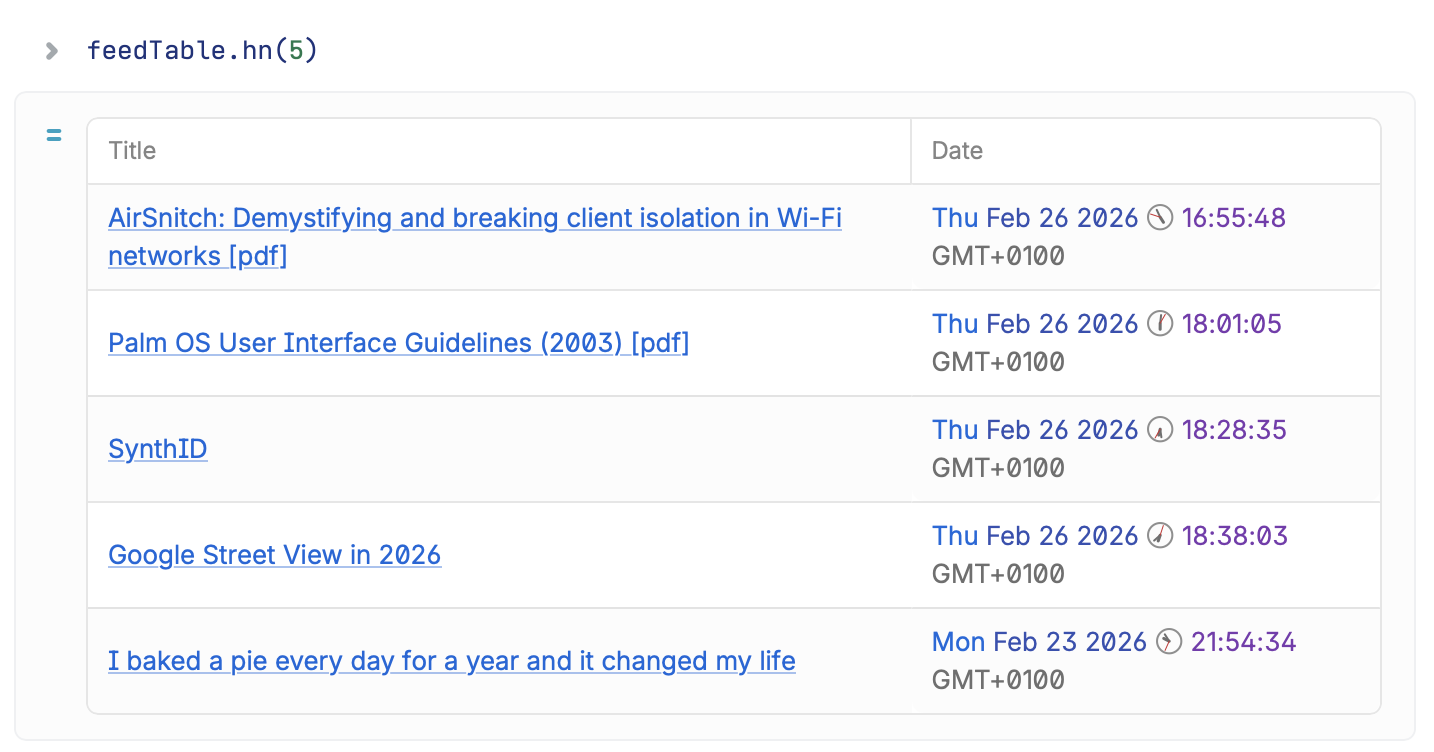
feedTable functionFetches an RSS or Atom feed from a URL and returns it as a Table with article titles and dates.
There are also convenience functions:
feedTable.hn() to fetch Hacker News feedfeedTable.nyt() to fetch The New York Times feedfeedTable.guardian() to fetch The Guardian world news feed.Example:
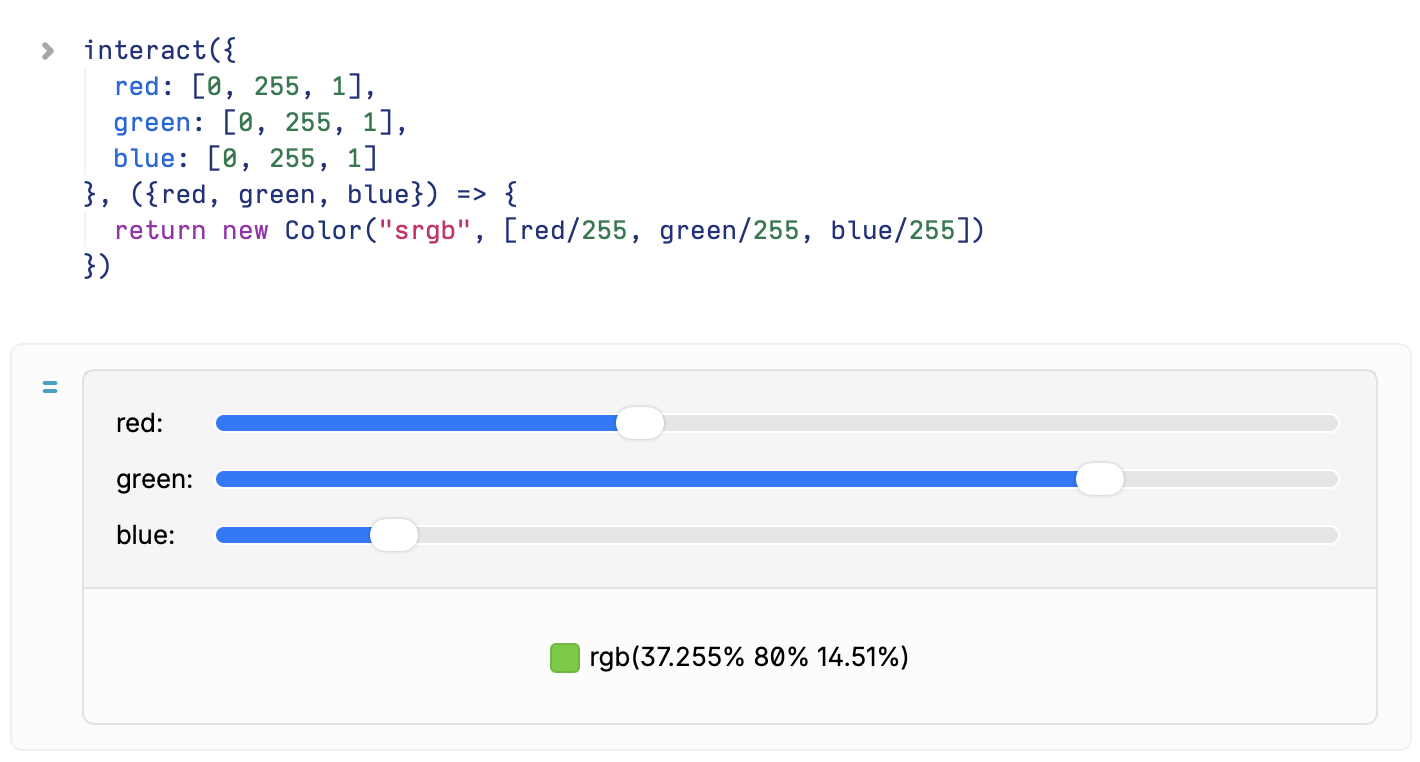
interact functionCreates an interactive widget that allows you to adjust parameters and see live results.
Widget kind depends on the type of default parameter:
string or number: Creates a text input[...strings]: Creates a dropdown picker (first item is default)[min, max] or [min, max, step]: Creates a numeric sliderExample:
bitmap function to createBitmapcreateBitmap, qrcode, interact, loadURL, remoteTable, feedTable functions and Bitmap, URL, URLSearchParams classes.Download Calcish from Mac App Store.
26 Feb 2026
We have released Calcish 1.7, which adds two new remote models (one of which can be used for free) and bug fixes.
Changes:
openrouter:free — a free remote model via OpenRouter API. It’s not backed by a single model, but rather it is a router that selects free models at random from the models available on OpenRouter.openrouter:kimi-k2.5 — MoonshotAI’s Kimi K2.5 model via OpenRouter API.Download Calcish from Mac App Store.
19 Feb 2026
We have released Calcish 1.6.
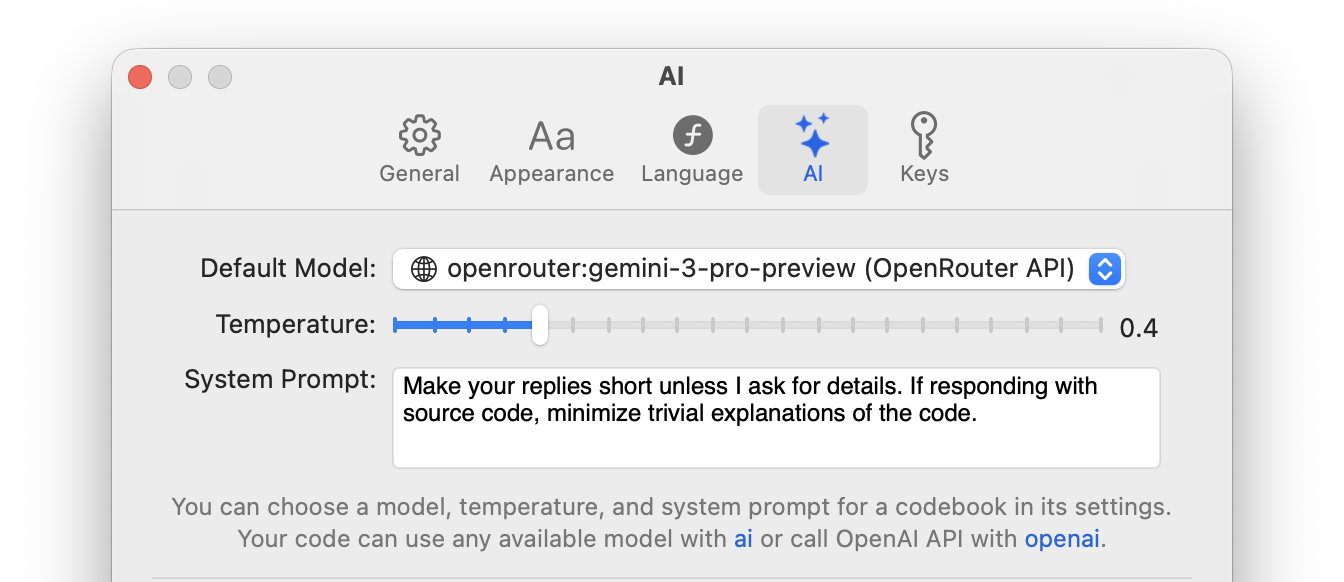
What’s new in this version:
Download Calcish from Mac App Store.
12 Feb 2026
We have released Calcish 1.5!
Here’s what’s changed:
Download Calcish from App Store.
5 Feb 2026